
NEWS
Pueblo CLI beta — AI agents can read and update Pueblo — Pueblo CRM News
Pueblo beta 1.0.0 (Build 23) adds opt-in CLI access, so an AI agent can list, search, and update your CRM through the running Mac app — with pairing-gated setup and explicit guardrails.
Update (October 6, 2026): MCP is now the recommended way to connect an AI assistant to Pueblo — see the MCP announcement. The CLI below is still available for power users.
Pueblo beta 1.0.0 (Build 23), released October 2 for macOS and iOS, includes something new: an opt-in command-line interface that lets an AI agent read and update your Pueblo records through the running Mac app.
Ask the assistant you already use to look something up before a meeting, file a note afterward, or pull together what needs following up — it works with the same clients, contacts, leads, engagements, journal entries, and todos you keep in Pueblo.
How to enable it
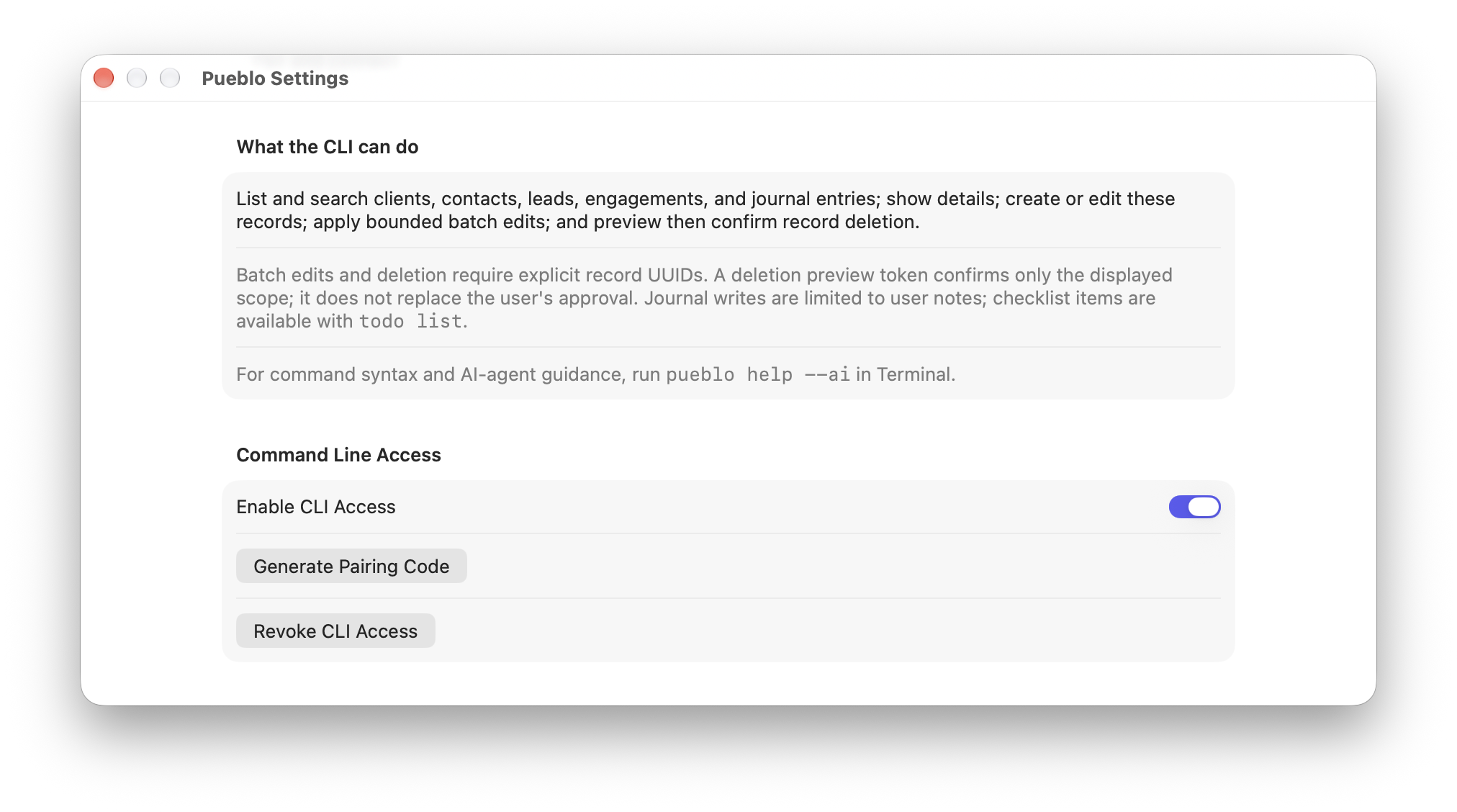
Open Pueblo Settings → Command Line Access, turn on Enable CLI Access, and choose Generate Pairing Code. Then run pueblo pair in Terminal. Pueblo.app must be running for the CLI to work, and pueblo unpair removes the credential at any time. For command syntax and agent guidance, run pueblo help --ai.
What it can do
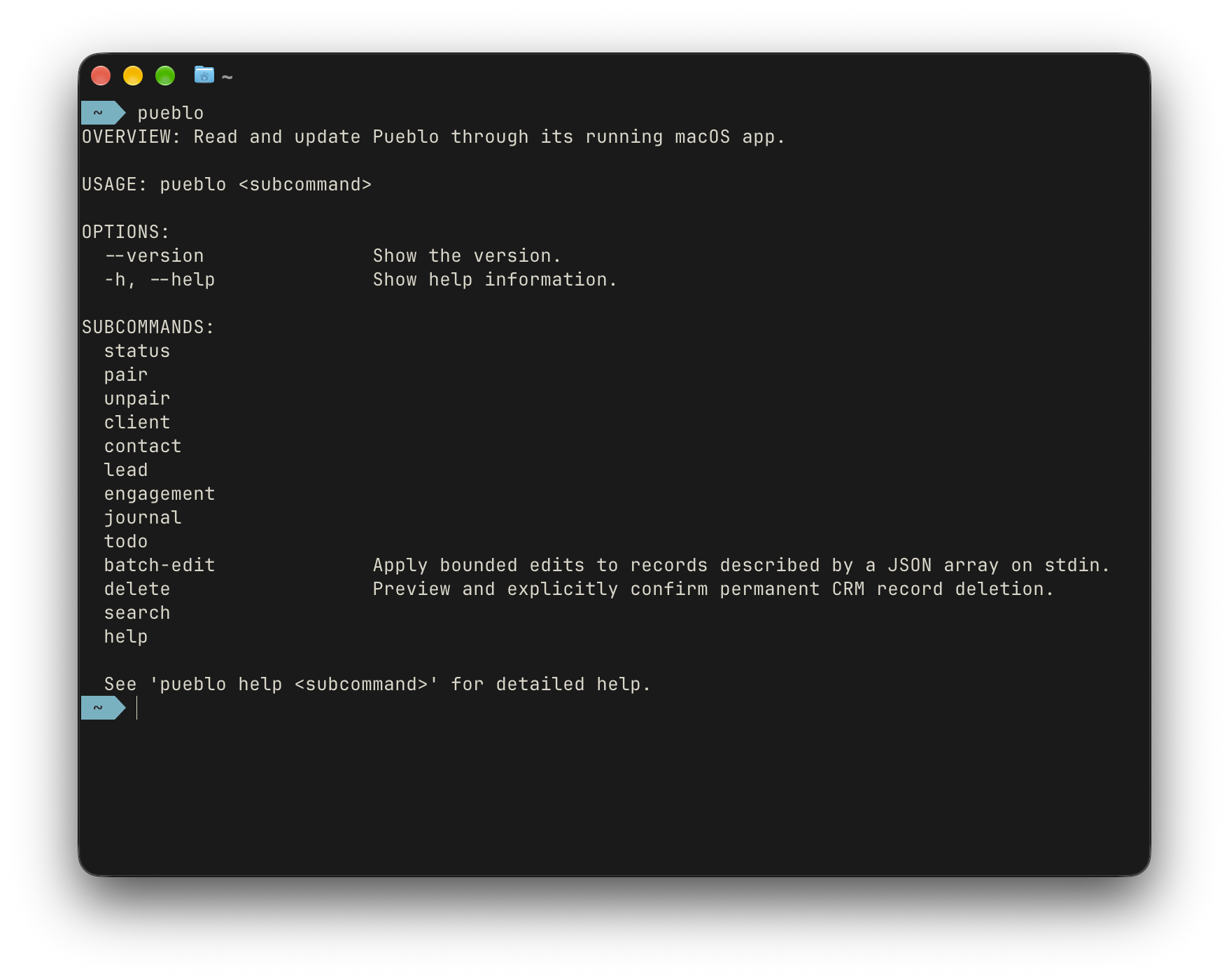
The pueblo CLI covers the core of the app — client, contact, lead, engagement, journal, and todo each support list, show, create, and edit, alongside status, search, batch-edit, delete, and help. Use --json for machine-readable output with stable record UUIDs.
Guardrails
Agent access stays bounded by design. Batch edits and deletion require explicit record UUIDs — there is no broad “clean things up” operation. Deletion runs preview-then-confirm: a preview step first, then an explicit confirmation scoped to exactly what was displayed, and the preview token never replaces your approval. Journal writes are limited to user notes, and checklist items are handled through todo list. Agents should work through the CLI only, never by touching Pueblo database or CloudKit files directly.
Beta notes
The CLI is beta-only for now and lives in its own repo for the beta period: github.com/ShawnCrawford/pueblo-cli. If you’re on the beta, enable it in Settings and tell us how it fits your workflow — that feedback shapes what this becomes at release.